









Block Battle - Noob vs Pro
About Block Battle - Noob vs Pro: Fight and Build in the World of Blocks
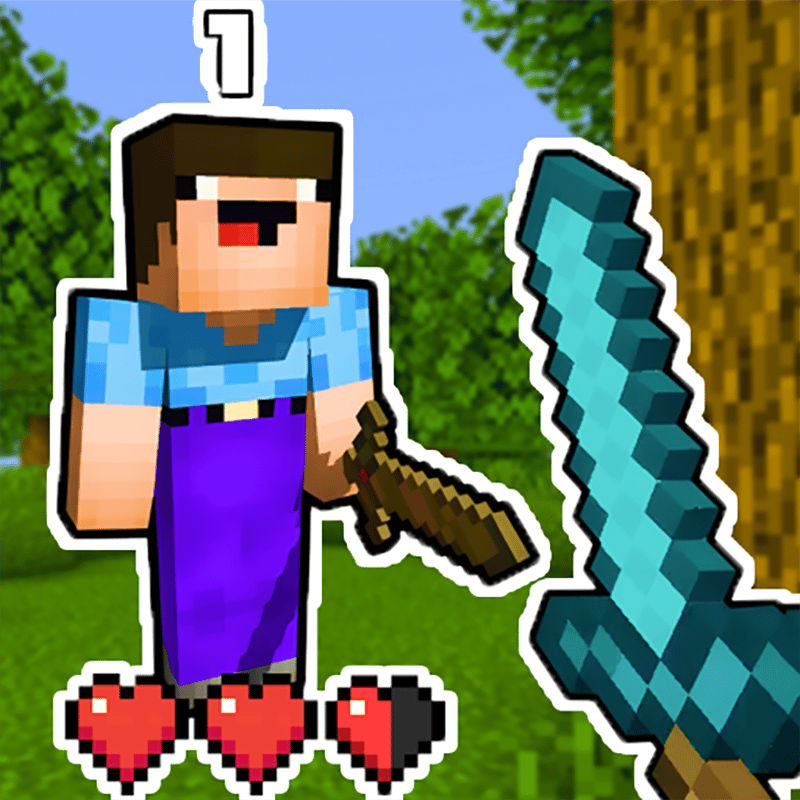
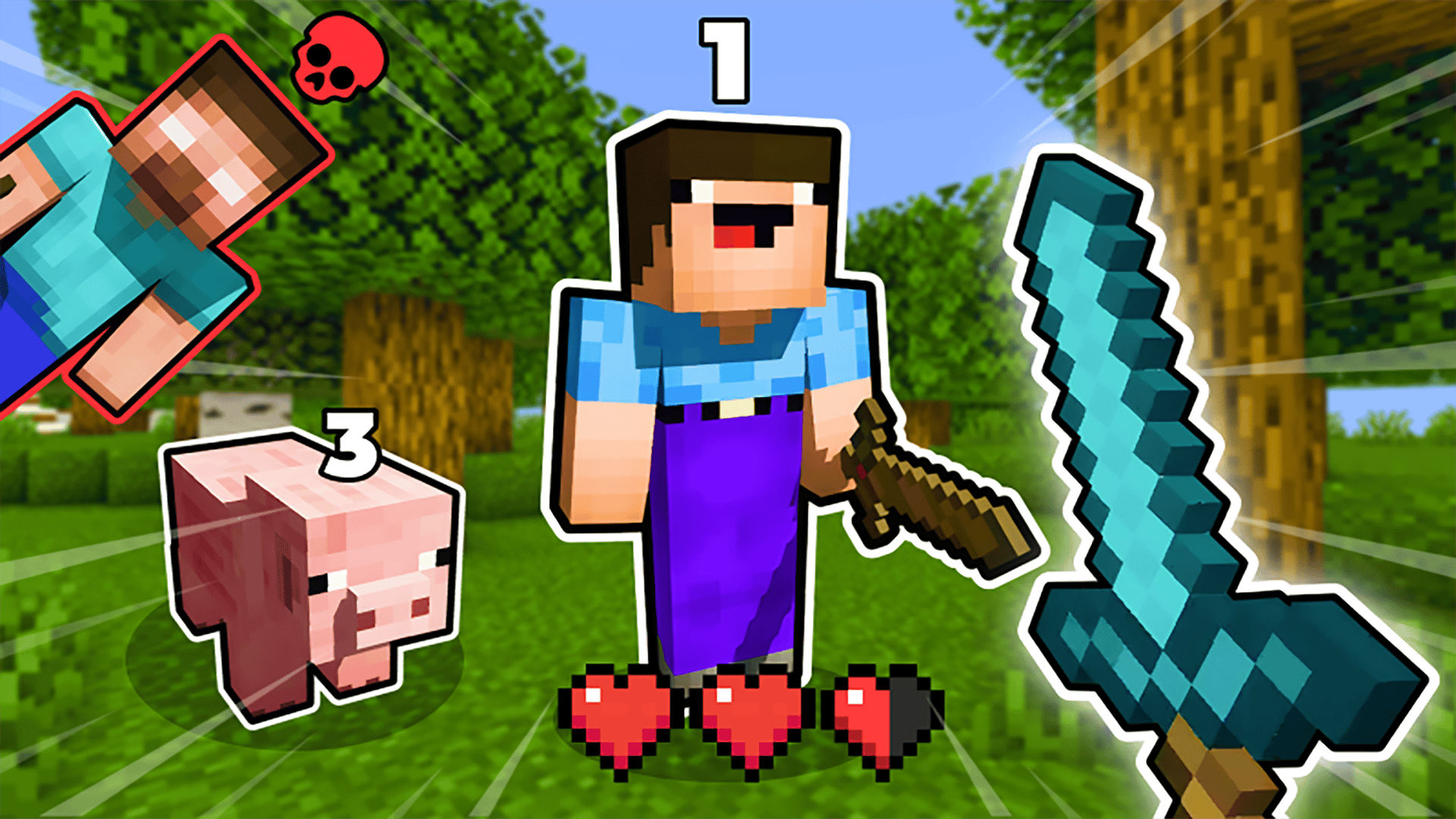
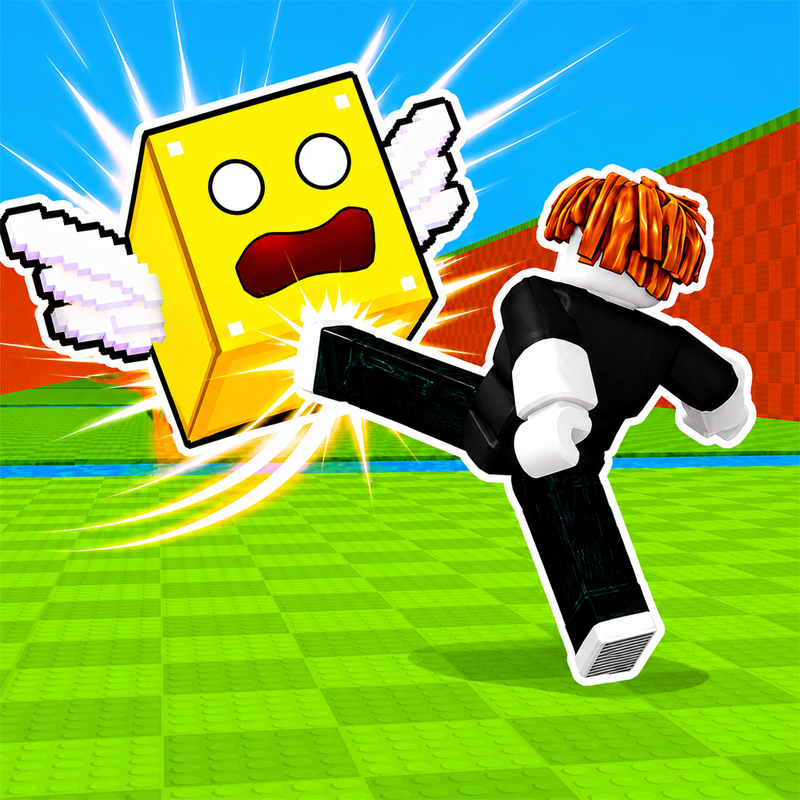
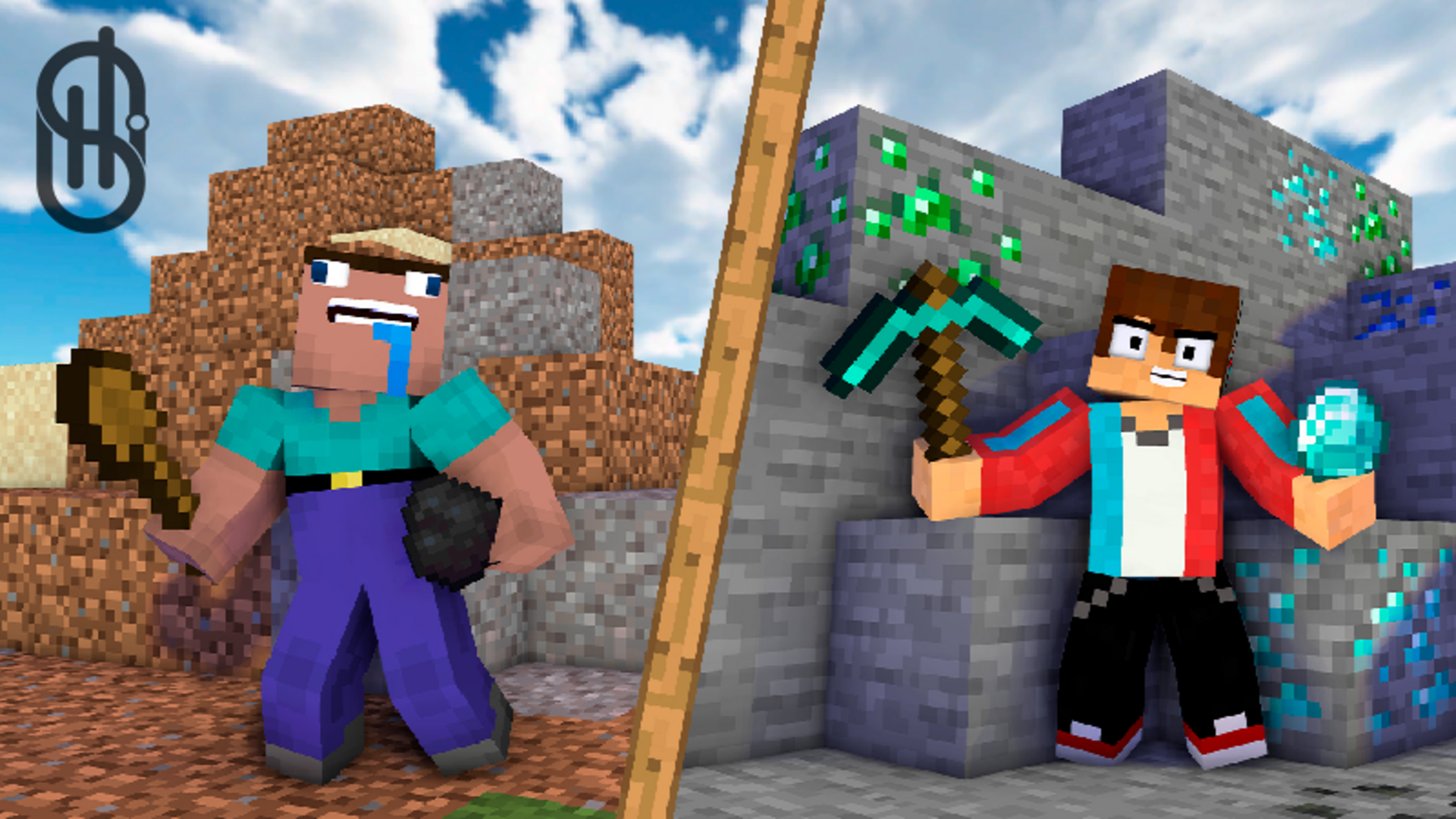
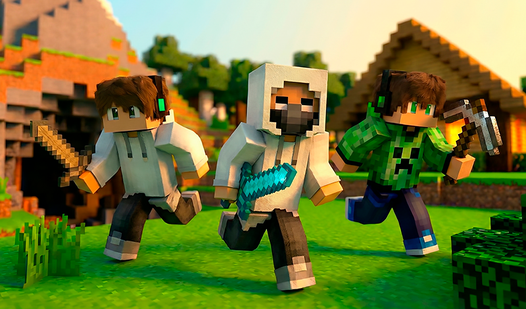
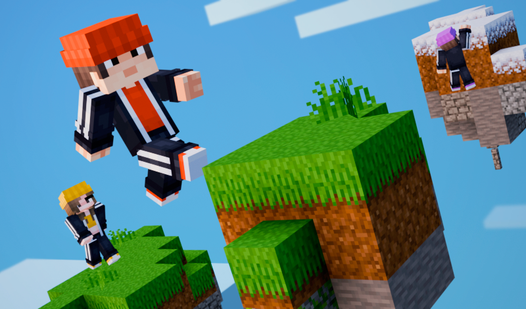
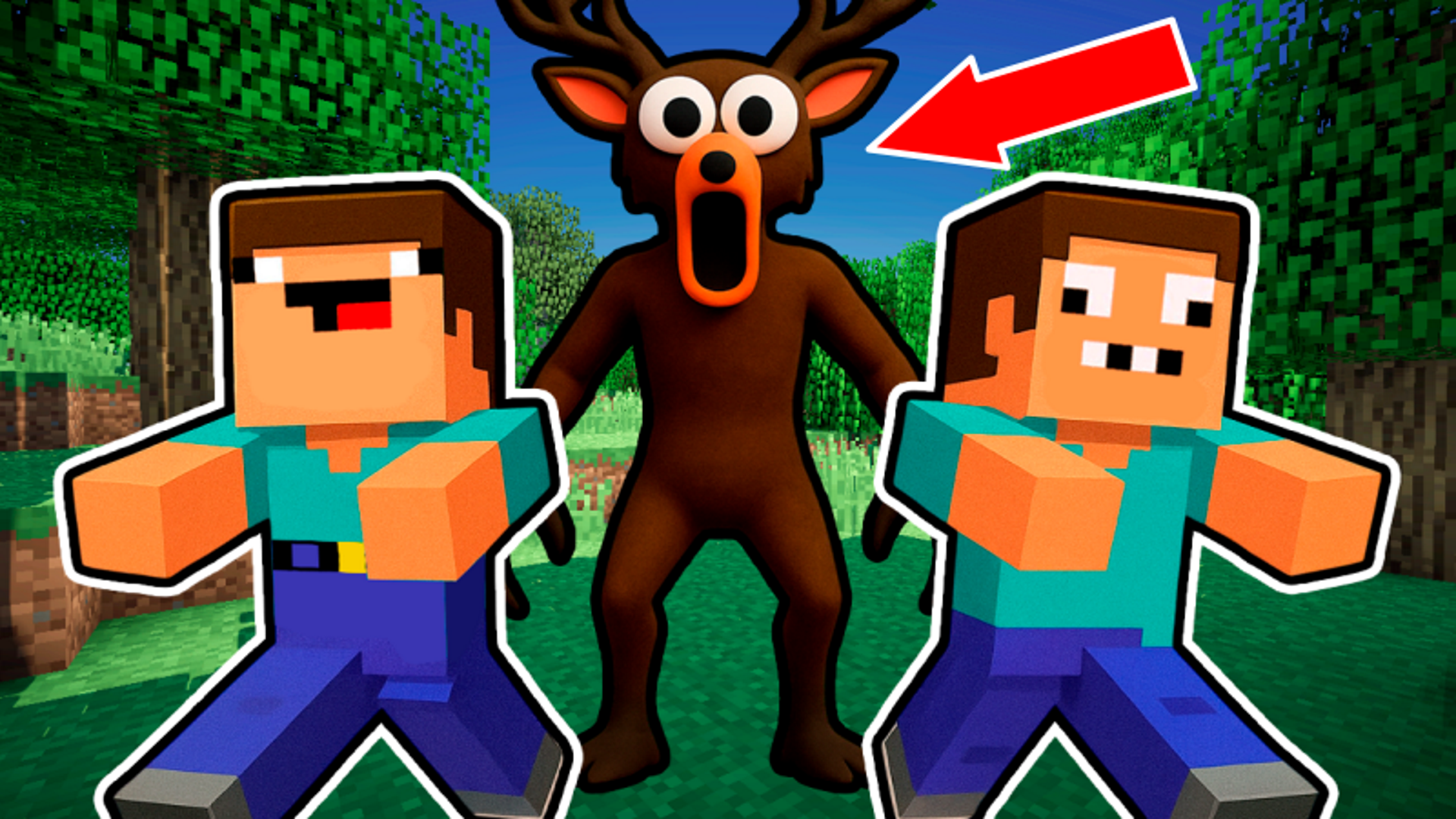
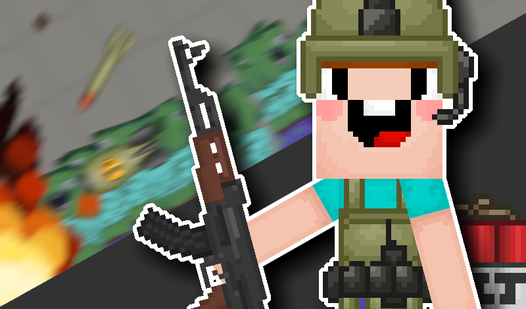
Block Battle - Noob vs Pro drops you into a Minecraft-style world where sandbox creativity and dynamic arena combat sit side by side. The goal is to level up, defeat huge bosses, and climb the player rankings to become a legend. Several scenes show a green, block-like ground texture alongside gray stone-like structures forming the outdoor level layout. Faceted gem-like shapes in red, yellow, blue, and purple are scattered across the terrain in multiple views. A small pink quadrupedal cube-like creature stands on the terrain in several scenes as well. The game combines high-quality graphics with Minecraft-style skins, and even includes a Flappy Bird-style mini-game among its content. Music complements the experience, though it is not required for progression.
How to Play Block Battle - Noob vs Pro: Level Up, Fight, and Survive
Progression in Block Battle - Noob vs Pro revolves around three core actions: collecting crystals, attacking enemies, and chopping down trees. Enemies below your current level are fair targets — take them on to gain experience faster. When an enemy is above your level, the rule is simple: run away. Between rounds, upgrade your abilities to grow stronger before the next encounter. Bosses wait in different corners of the world, and taking them on tests everything you have built up.
Arena Battles
Specially created arenas host battles against rivals where skill and tactics determine the champion. The arena format rewards players who apply what they have learned through leveling.
Construction and Creativity
Sandbox mode lets you build unique worlds from a variety of blocks and materials, with no stated limit on what you are able to create.
Upgrades and Economy
Coins are the in-game currency. Spend them on character upgrades — speed, experience, and level — or on purchasing skins to change your character's appearance.
Controls
- WASD or Arrow Keys: Move your character (computer)
- Touch the screen: Summons a virtual joystick for movement (phone)
FAQ
How do I level up faster in Block Battle - Noob vs Pro?
Attack enemies that are below your current level, collect crystals scattered across the terrain, and chop down trees. Focusing on lower-level enemies gives the most efficient experience gain.
What can coins be spent on?
Coins go toward character upgrades — specifically speed, experience, and level — as well as purchasing skins for your character.
What kind of customization does the game offer?
Several Minecraft-style skins are available for customizing your character's appearance.
Is there anything unusual to discover beyond the main combat loop?
Yes — the game includes a Flappy Bird-style mini-game as a distinct piece of content alongside the arena battles and sandbox building.
Do I need sound on to progress through the game?
The music complements the game well, but it is not necessary for progression — you are able to play without sound and still advance normally.
Games You Might Like
If the block-world survival and combat of Block Battle - Noob vs Pro appeal to you, the broader Minecraft games category on Playgama is packed with similar block-building and fighting experiences worth exploring. For another take on defending and building, Noob: Base Protection (co-op) has you fighting off zombie waves, mining ore, and upgrading swords and pickaxes to protect your base — a strong match for fans of the noob-vs-enemies format.
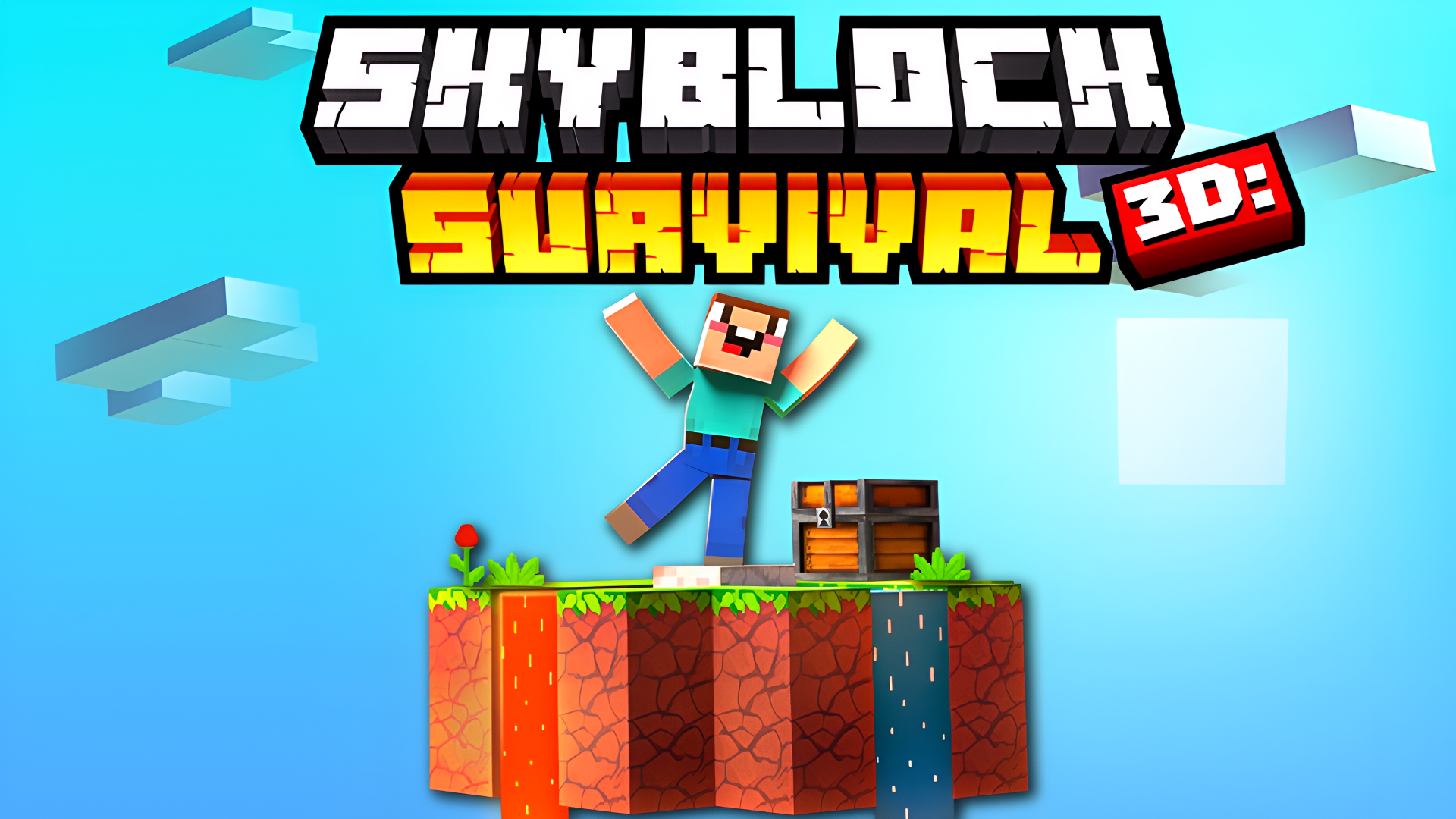
Fans of leveling up through exploration and monster combat will also find plenty to enjoy in Skyblock 3D: Survival, where battling monsters and gathering resources on floating islands drives your progression much like crystal-collecting does here. For a wider look at player-versus-environment challenges in the same vein, the PvE games category offers a strong selection of enemy-fighting titles.
Video
Use this link to embed the game on your website using an iframe
 Sign in to Embed and Monetize Games