
 PVZ Fusion Cheats
 My Town Home: Family Playhouse
 Hidden Object: Clues and Mysteries
 Elemental Monsters: Merge
 Idol Livestream: Doll Dress Up
 Hidden Objects: Island Secrets
 Mahjong Classic
 Obby Parkour: Tower of Hell
 Sprunki Sandbox: Ragdoll Playground Mode
 Hazmob FPS: Online Shooter
 RIVALS FPS: Online Shooter
 FRAGEN
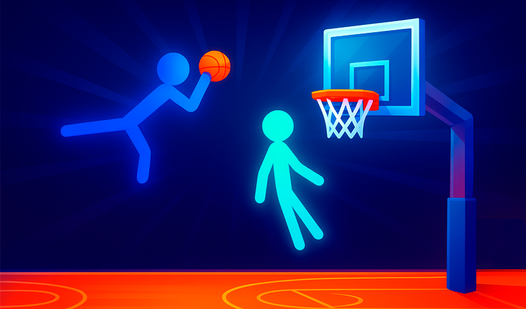
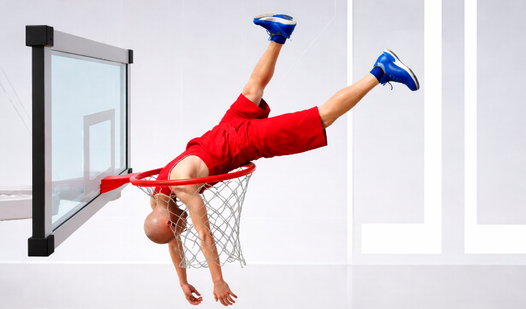
Flippee Ball
About Flippee Ball
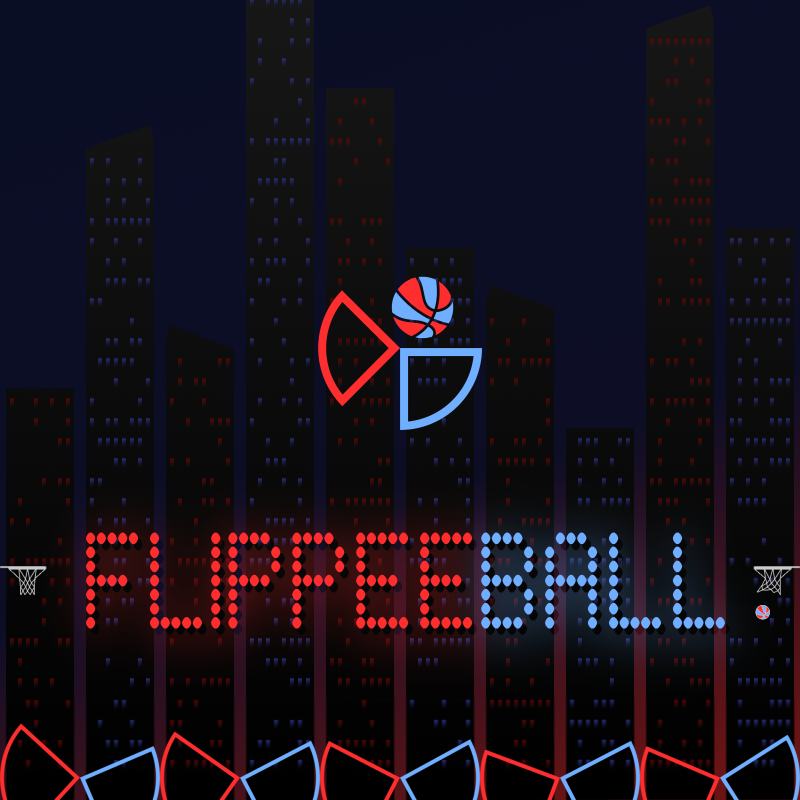
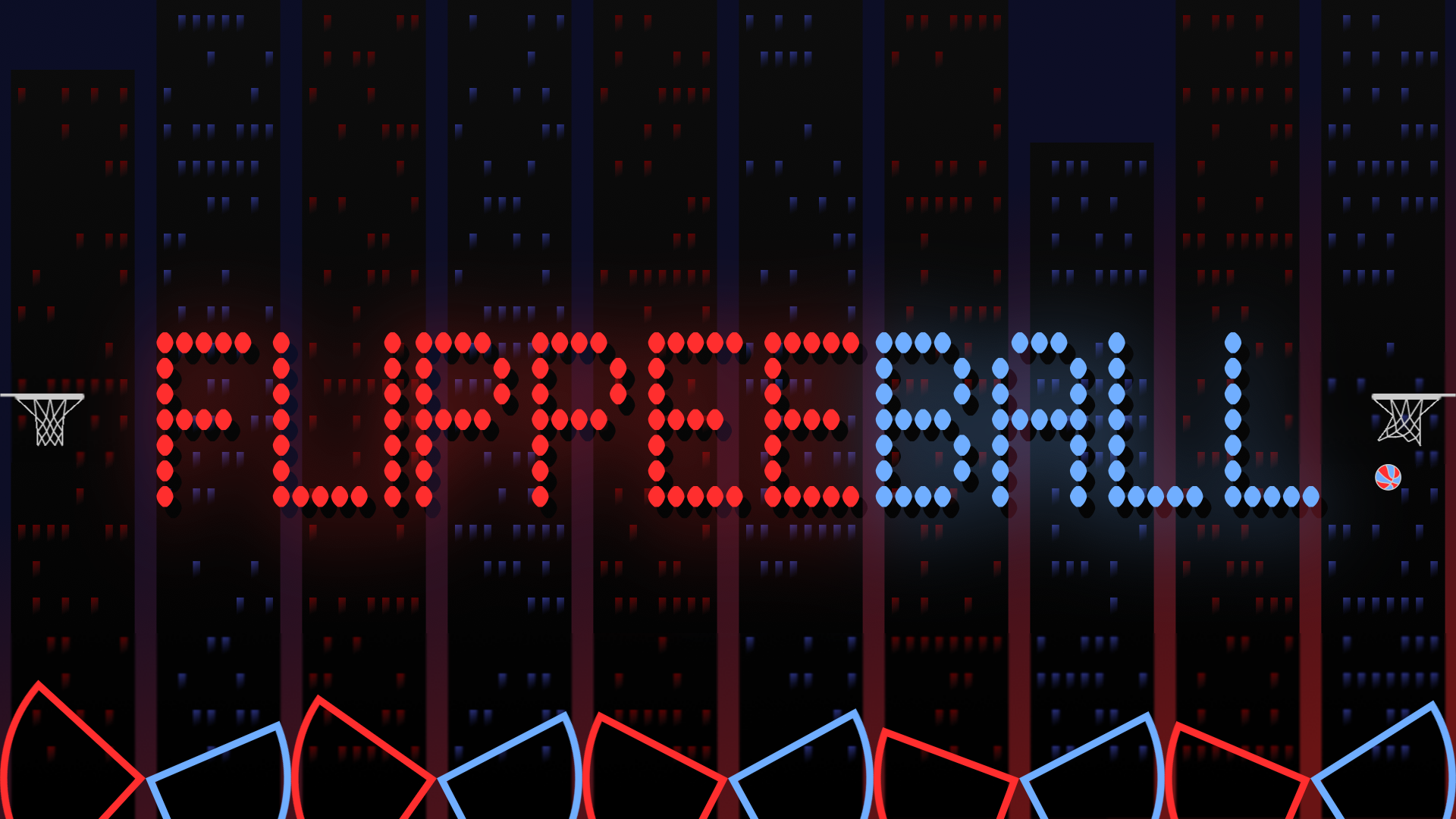
Flippee Ball is a hybrid arcade game that fuses pinball-style flippers with basketball scoring. The goal is straightforward: flip your flippers to launch the ball into the basket, either against the CPU or a second player sharing the same device. Several scenes show a background of dark vertical rectangles scattered with red and blue dots.
Two flipper sets — one red, one blue — face off across the court, and a full suite of difficulty settings, speed options, and game modes gives the experience a wide range of challenge. Whether you're a first-time player leaning on Aim Assist or a veteran pushing through Professional speed with all assists off, Flippee Ball scales to match your ambition.
How to Play Flippee Ball: Flip Flippers, Score Baskets
Each player controls one set of five flippers — red or blue. A single button press flips all five at once. The default starting configuration is Amateur speed, Easy CPU difficulty, and Aim Assist enabled, which provides a small boost to shot accuracy. As comfort grows, the Settings menu lets you step up to Professional speed and switch Aim Assist off.
Game Modes
- Longest Streak: see how many games in a row you are able to win against the computer, with sub-options Easy, Medium, Hard, and Progressive (difficulty increases with every game)
- Career: difficulty increases with every game, but losing does not reset progress
- Player v Player: play against another human on the same device
- Academy: 100 "assists" across 50 Amateur levels and 50 Professional levels — the ball is launched and you must score before it reaches your opponent's flippers, with each level limiting the number of allowed touches
The game mode button to the left of the scoreboard switches between all seven modes. A quick-start guide appears on first run, and a built-in help guide holds the full instructions.
To win, score more than your opponent.
Controls
Menu Navigation
- Mouse: navigate menus
- Touch: navigate menus
- Keyboard: arrow keys and Space to action
- Controller: direction pad and any of the four main buttons
Flip — Single Player
- Mouse: click the screen
- Touch: tap the screen
- Keyboard: LEFT CTRL
- Controller: any of the four main buttons
Flip — Player vs Player
- Mouse: click the top left of the screen (left flippers) or top right of the screen (right flippers)
- Touch: tap the top left of the screen (left flippers) or top right of the screen (right flippers)
- Keyboard: LEFT CTRL for left flippers; RIGHT ARROW for right flippers
- Controller: any of the four main buttons; supports two controllers for Player v Player
Pause
- Mouse: click the scoreboard
- Touch: tap the scoreboard
- Keyboard: press P
- Controller: Start button
Games You Might Like
If the arcade basketball angle of Flippee Ball appeals to you, the wider world of basketball games on Playgama has plenty more to explore. Basket Random shares the same one-button simplicity and two-player energy, leaning into chaotic physics for quick, unpredictable rounds. For more two-player court action with boosters and tournament cups, Ragdoll Basketball 2 Players delivers 2D physics fun alongside a replay feature for the best moments.
Basket Duel keeps things casual with one-minute timed matches and a variety of characters and balls to try, making it a relaxed counterpart to Flippee Ball's flipper-driven intensity. All of these sit within the broader arcade games collection, which covers the same skill-and-reflex territory that makes Flippee Ball tick.
Video
Use this link to embed the game on your website using an iframe
 Sign in to Embed and Monetize Games