























Game Factory
About Game Factory
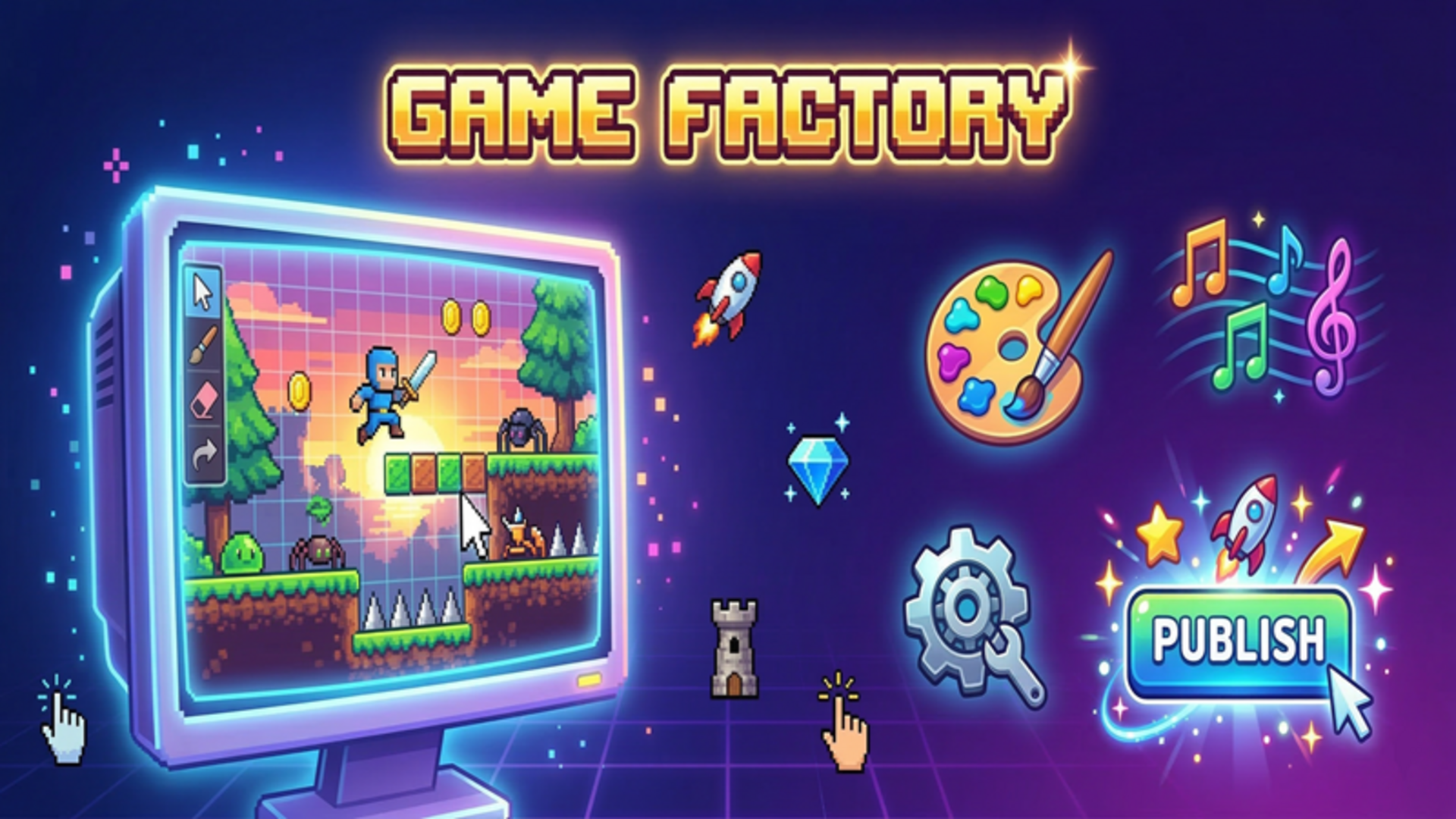
Game Factory puts a full-featured game development studio right on your device. The concept is straightforward and genuinely engaging: pick a genre, shape every detail from sprites to music, then send your finished creation out into the world. Six genres are on the table — platformer, clicker, shooter, match-3, runner, and tower defense — so the creative range is wider than most tools of this kind.
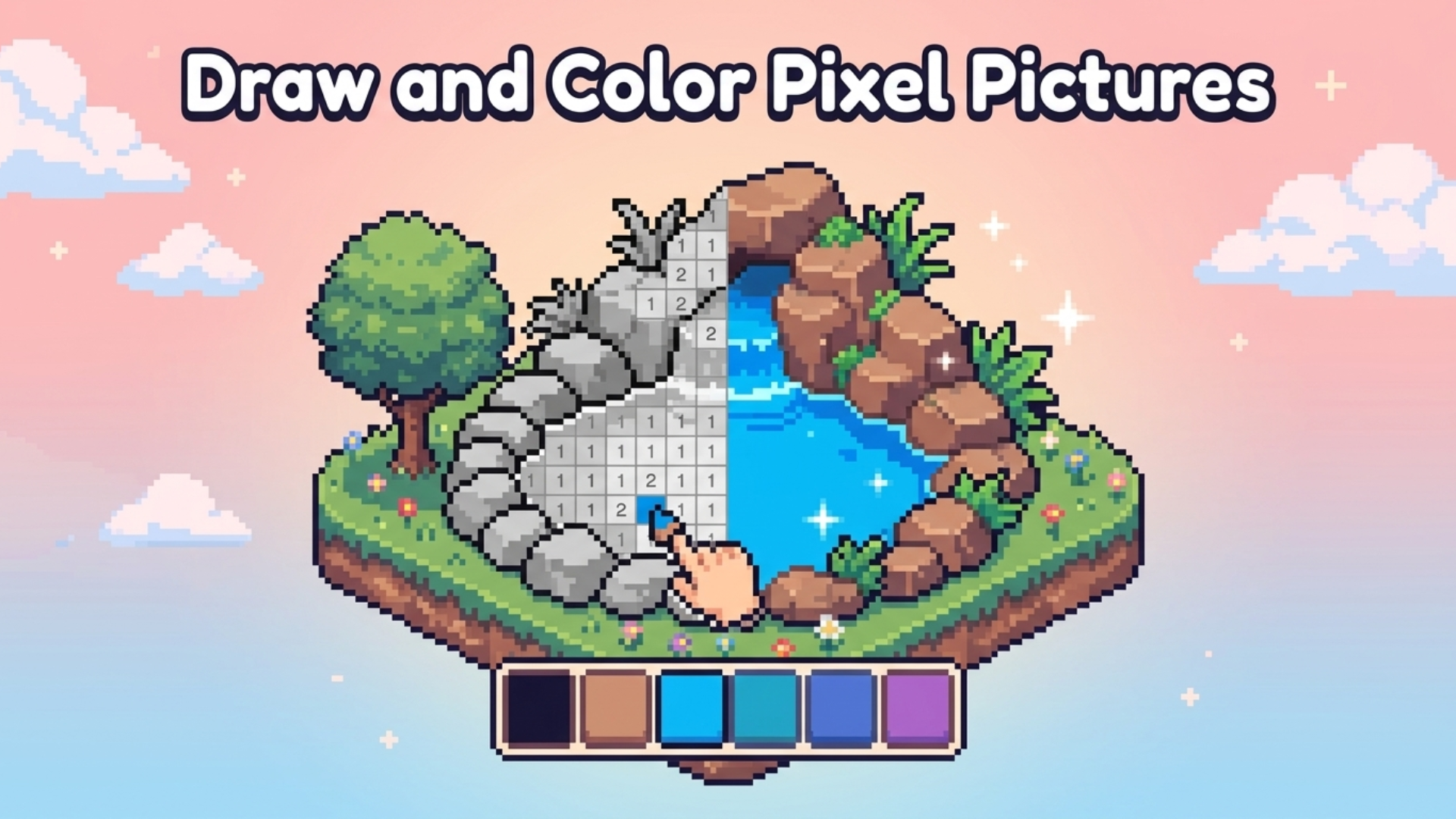
One scene shows a match-3 grid of colored circles carrying internal symbols such as stars, triangles, and dots arranged in an 8×8 layout. Another scene shows rectangular brown paths crossing a dark blue grid in the Tower Defense mode. The visual style is clean and pixel-friendly, matching the sprite-drawing tools at the heart of the experience.
Beyond building, there is a progression loop: publish games to earn coins and XP, then spend those coins upgrading your studio and unlocking new genres and sprite packs.
How to Play Game Factory
Building Your Game
- Click Create Game and choose one of the six available genres.
- Customize the settings — speed, gravity, number of enemies, and more — to shape how the game plays.
- Head to the Drawing section to create your own pixel sprites from scratch or select from ready-made sprite packs.
- Open the Sounds tab and pick a music track for your game.
Testing and Publishing
- Click Test to play your game and check how everything feels.
- Share your creation with friends using a code — anyone with the code can play what you built.
Studio Progression
- Use earned coins to upgrade your studio.
- Unlock new genres and additional sprite packs as your studio grows.
Controls
- Click "Create Game": Start a new project and select a genre
- Click settings fields: Adjust speed, gravity, number of enemies, and other parameters
- Click Drawing: Enter the sprite editor to draw or choose sprites
- Click Sounds tab: Browse and select a music track
- Click Test: Launch a playable preview of your game
- Click Publish: Release the game and collect coins and XP
Games You Might Like
If the studio-building side of Game Factory appeals to you, Idle Game Dev Simulator lets you grow a garage operation into a legendary game studio by mixing genres, hiring talent, and researching new technologies. For open-ended creativity beyond game development, Toca World Adventure offers a vibrant city full of characters, customizable homes, and endless storytelling possibilities. If shaping entire worlds from the ground up sounds appealing, God Simulator puts you in charge of sculpting land, guiding civilizations, and watching a living world evolve.
Browse more titles in the same spirit through the Simulation games collection on Playgama, or explore the Arcade games and Platform games categories for the kinds of genres you are able to build inside Game Factory itself.
Use this link to embed the game on your website using an iframe
 Sign in to Embed and Monetize Games